Wallet Activity
Check the displayed balance, recent deposits, withdrawal records, and pending notices against your own information. Stop before making another transaction if a record appears unfamiliar or incomplete.
 Register
5GDB Login helps users enter their account area to view dashboard details, check wallet activity, review available offers, and manage profile settings from a mobile browser. This guide outlines a safer sign-in routine, explains what to check after entering the account, and provides practical steps for handling verification, password, and device-related access problems.
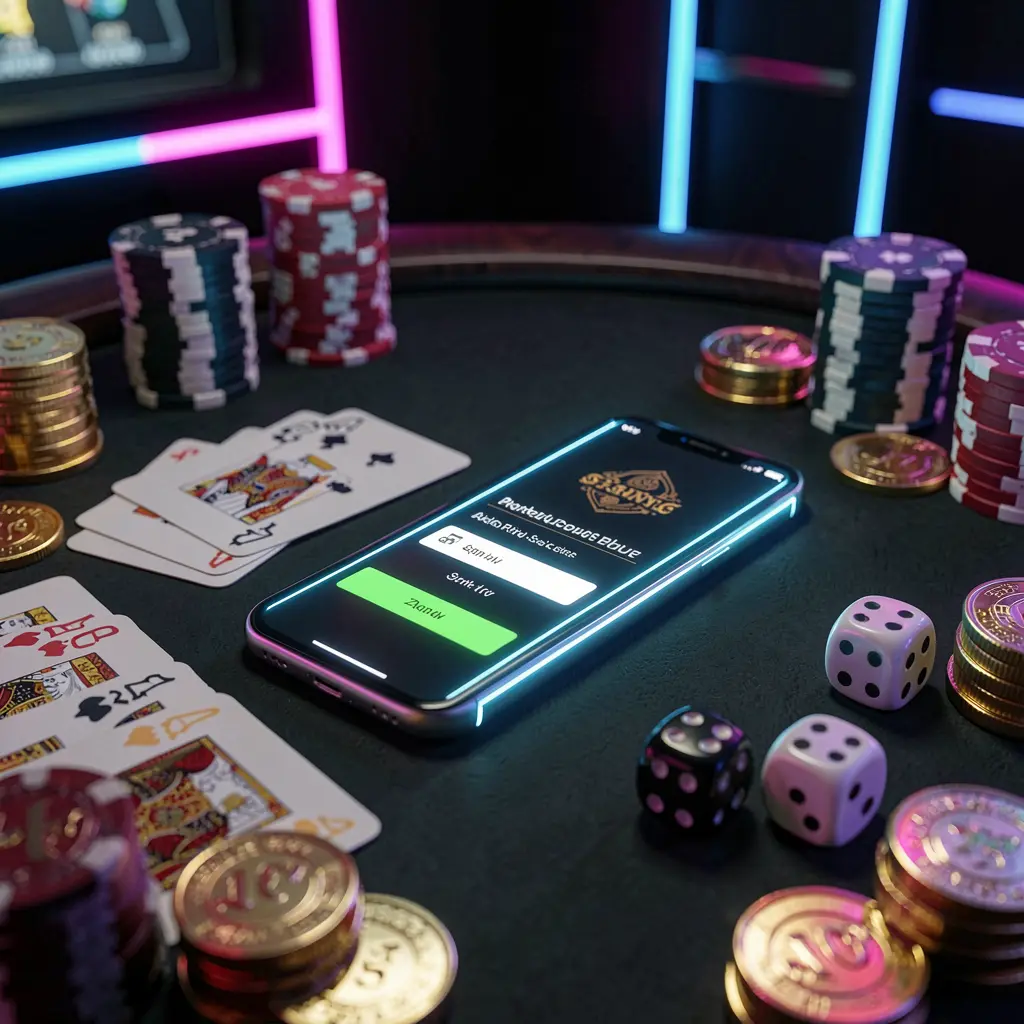
The 5GDB login page is more than a place to enter account details. It is the start of a private session where users can review account information, access settings, and identify unusual activity before continuing.
Bangladesh users may encounter login links through saved tabs, messages, social posts, or browser searches. Because copied pages can look familiar, check the web address and page details before providing a password, OTP, or recovery information.
Use a consistent route whenever you access 5GDB. A saved verified bookmark, updated browser, and current recovery contact details can reduce confusion when changing devices or dealing with poor mobile signal. Avoid opening several login tabs at once, as repeated attempts may cause mistakes with passwords or verification codes. Keeping one clear path also makes it easier to explain an issue through official support if account access later needs attention.
Online gaming activity can involve financial and personal risk. Use 5GDB only as an adult where permitted, keep spending within affordable limits, protect private information, and take a break if account activity feels difficult to manage.
Following the same careful steps for each 5GDB login can help prevent typing errors, unsafe redirects, and unnecessary code requests. Do not rush through the sign-in form when using an unfamiliar device or network.
Use the official site, a trusted access route, or your own saved bookmark. Avoid links sent through unknown chats, copied advertisements, comments, or images with unclear destinations.
Type the phone number, email address, username, or password linked to your account. Check auto-fill suggestions, keyboard settings, spaces, and number formats before selecting login.
Complete OTP, captcha, or device confirmation requests within the official 5GDB page. Never disclose a verification code, reset link, password, or screen capture to another person.
After access opens, review the account name, wallet information, recent activity, offers, and visible notices. Pause and investigate through official channels if any account detail seems unfamiliar.
Check the displayed balance, recent deposits, withdrawal records, and pending notices against your own information. Stop before making another transaction if a record appears unfamiliar or incomplete.
If an offer is shown, review its eligibility, expiry date, conditions, and restrictions before choosing it. Do not assume a displayed promotion applies to every account or activity.
Keep the registered phone number and email current where account settings allow it. Accurate recovery details can help when passwords are forgotten or a new-device confirmation appears.
Read alerts about password changes, verification, new sessions, or account restrictions. These notices may help users recognize when a session needs closer attention before further account use.
Many users open 5GDB through a phone browser or shortcut. Mobile access is easier to manage when the device is locked, software is updated, and the user avoids untrusted Wi-Fi connections or unfamiliar downloads.
A replacement phone, browser reset, or cleared cookies may lead to extra verification. Use your registered contact details and complete the request only through the verified login page.
Close duplicate tabs, confirm the connection, and clear browser cache if needed. Return through the official route rather than installing unknown files or following random troubleshooting links.
Check letter case, keyboard language, saved entries, and accidental spaces before trying again. If details remain rejected, use the official password recovery option instead of repeated guesses.
Check mobile signal, message filters, and the registered contact number before requesting another code. Wait briefly between requests to avoid confusion from multiple active codes.
Good login security comes from routine actions. Use a private device when possible, lock the screen, update the browser, and avoid storing account information on phones or computers that other people can use.
Treat your 5GDB account as private and avoid sharing wallet screenshots, identification documents, or login credentials through unofficial chats. Continue only when you understand the risks, follow local requirements, and remain in control of your activity.
Common answers about 5GDB Login, mobile account access, verification prompts, password recovery, dashboard checks, and safer sign-in routines.
Open the official 5GDB access route, choose the login option, enter the account details you registered, complete any verification prompt, and check the dashboard after access opens.
An OTP or similar prompt may be used to confirm a login attempt or device. Enter it only on the official 5GDB page and do not share the code with anyone.
Check the displayed profile details, wallet records, recent activity, available offers, account notices, and any security or verification messages before continuing.
Check spelling, password case, keyboard language, spaces, and saved auto-fill details. If access is still unavailable, use the official password recovery process rather than repeatedly guessing.
A shared phone can expose private account information. Avoid saving passwords, log out after use, do not retain OTP messages, and remove account details from the browser where possible.